
Below is a step-by-step guide on how submit a job to be featured on the BAM Job Board. Please note that all posts will be reviewed then published once approved. Contact us if you have any questions, or if your job is no longer accepting applications and should be removed from the job board.
> Log In to the Member Hub
Creating a job post is for members only. Make sure you're logged in to the Member Hub before continuing.
> Navigate to the Job Board main menu page
> Click "Create a Job Post" Button

> Add a Post Title
Example: " < Job Type > < Position Title >".

> Add a Job Summary
Add a Job Summary under 90 characters.
Example:

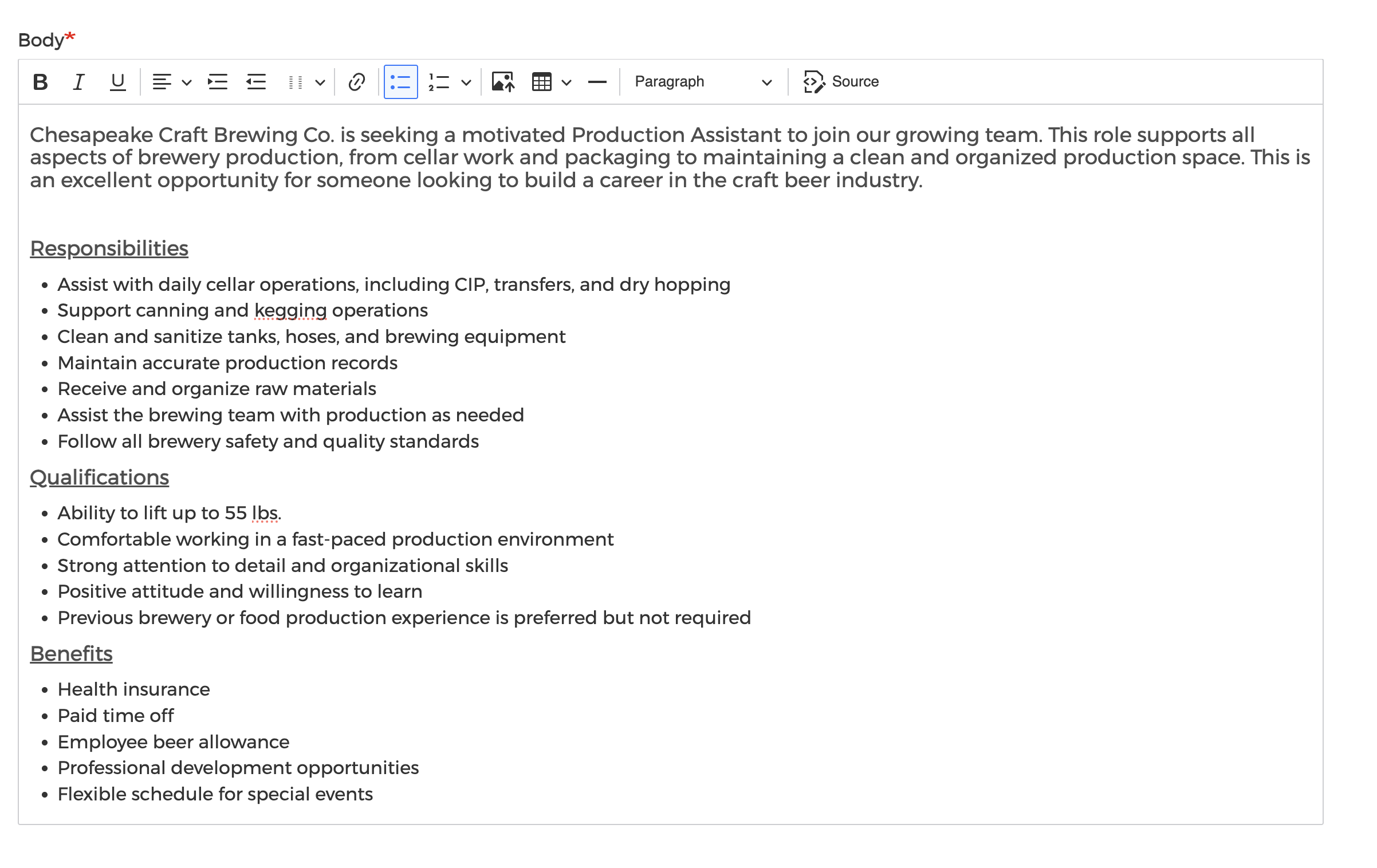
> Add Job Details
Include information regarding job qualifications, responsibilities, compensation, where to submit an application, etc. Our team will ensure your post looks clean and free of any spelling or grammatical errors before being published.
Example:
> Select Job Type


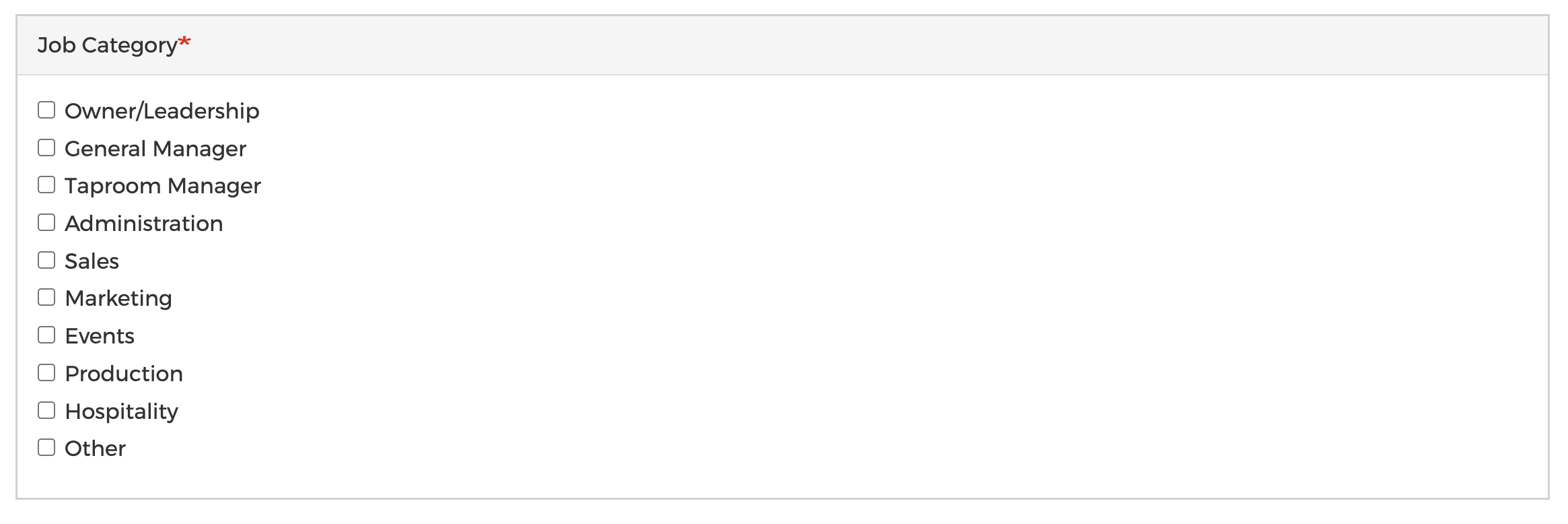
> Select Job Category
> Select Job County

> Upload a Relevant File (Optional)
For example, you may choose to upload a PDF version of the job position. Limited to one 1 MB file.

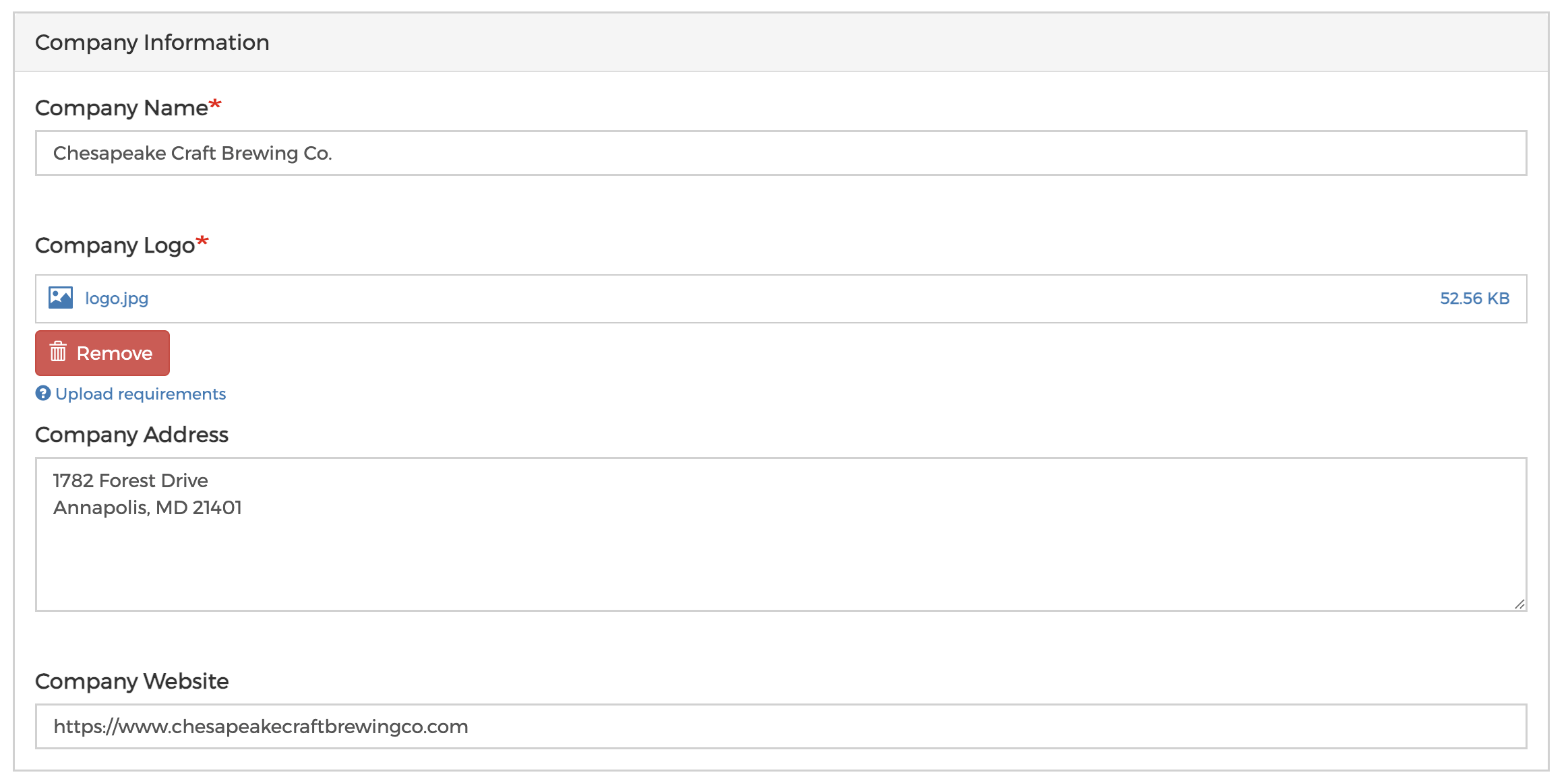
> Fill in Your Company Information
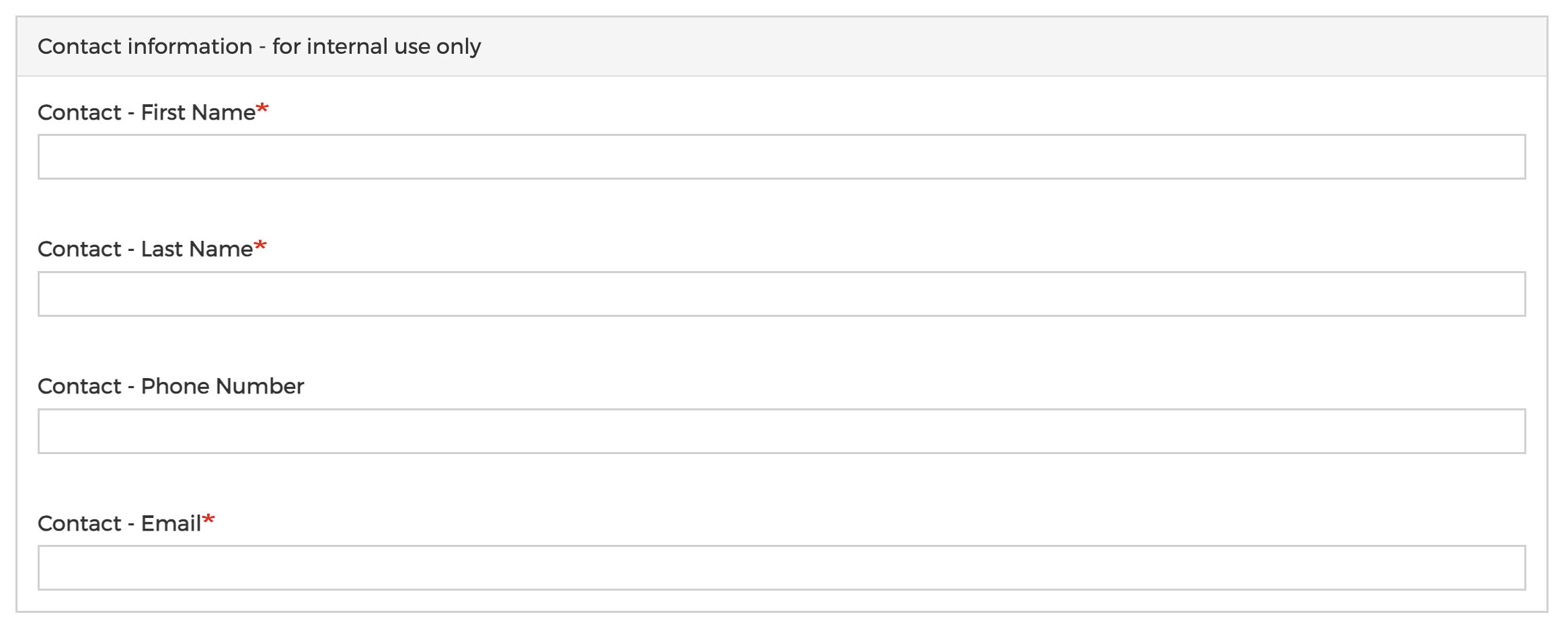
> Fill in Your Contact Information
> Click "Submit" Button